Designing for Non-Technical Users: What Field Research Actually Teaches You
UX theory tells you to simplify. Field research shows you what 'simple' actually means for people whose job is not using software.
When I started the EcoBiH project, a farm management platform for a 1,500-sheep operation in Bosnia, I thought I had a clear picture of what the app needed to do. Digitise records, automate task scheduling, give managers a dashboard. Standard stuff.
Then I went to the farm.
The gap between assumption and reality
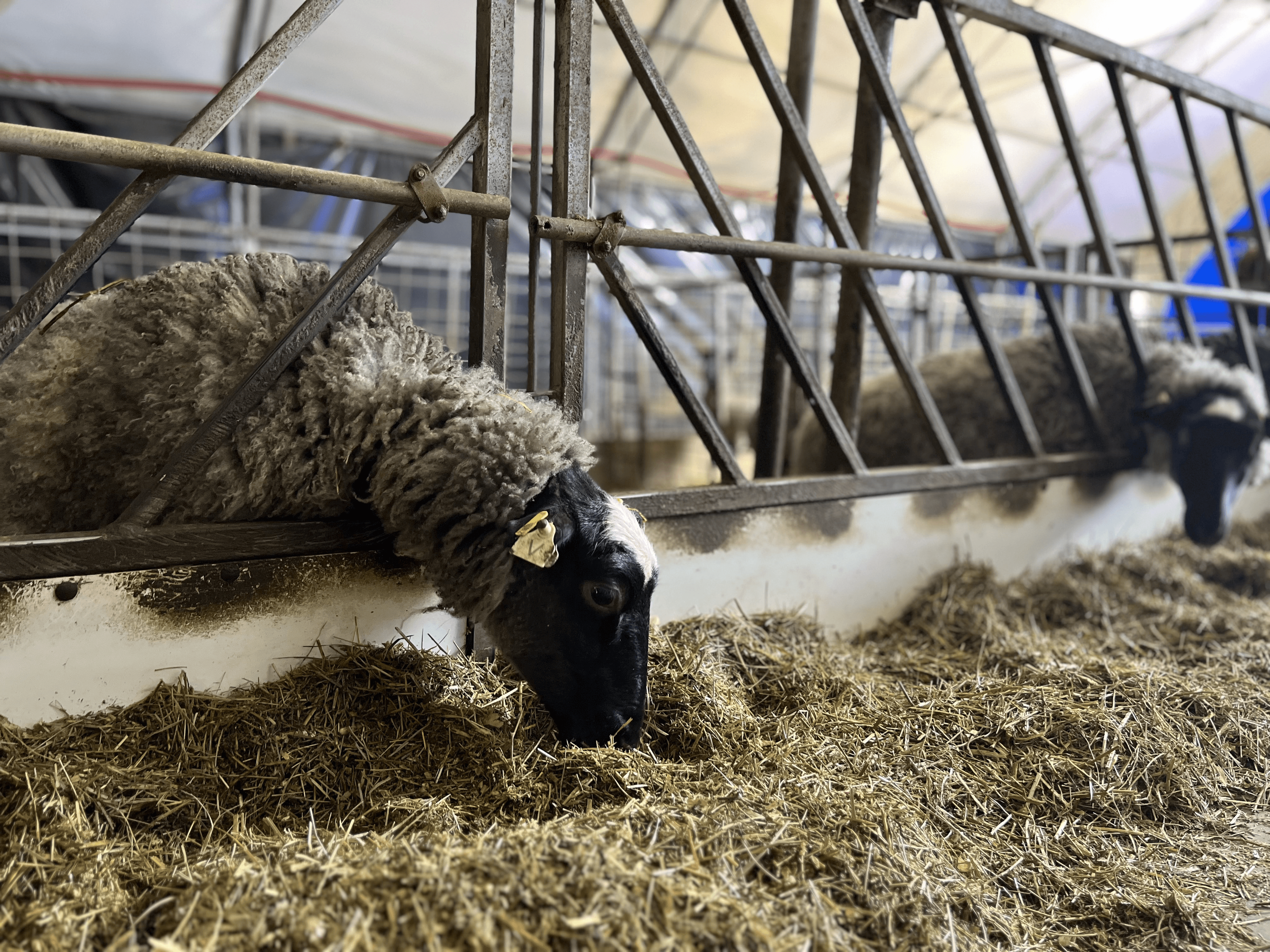
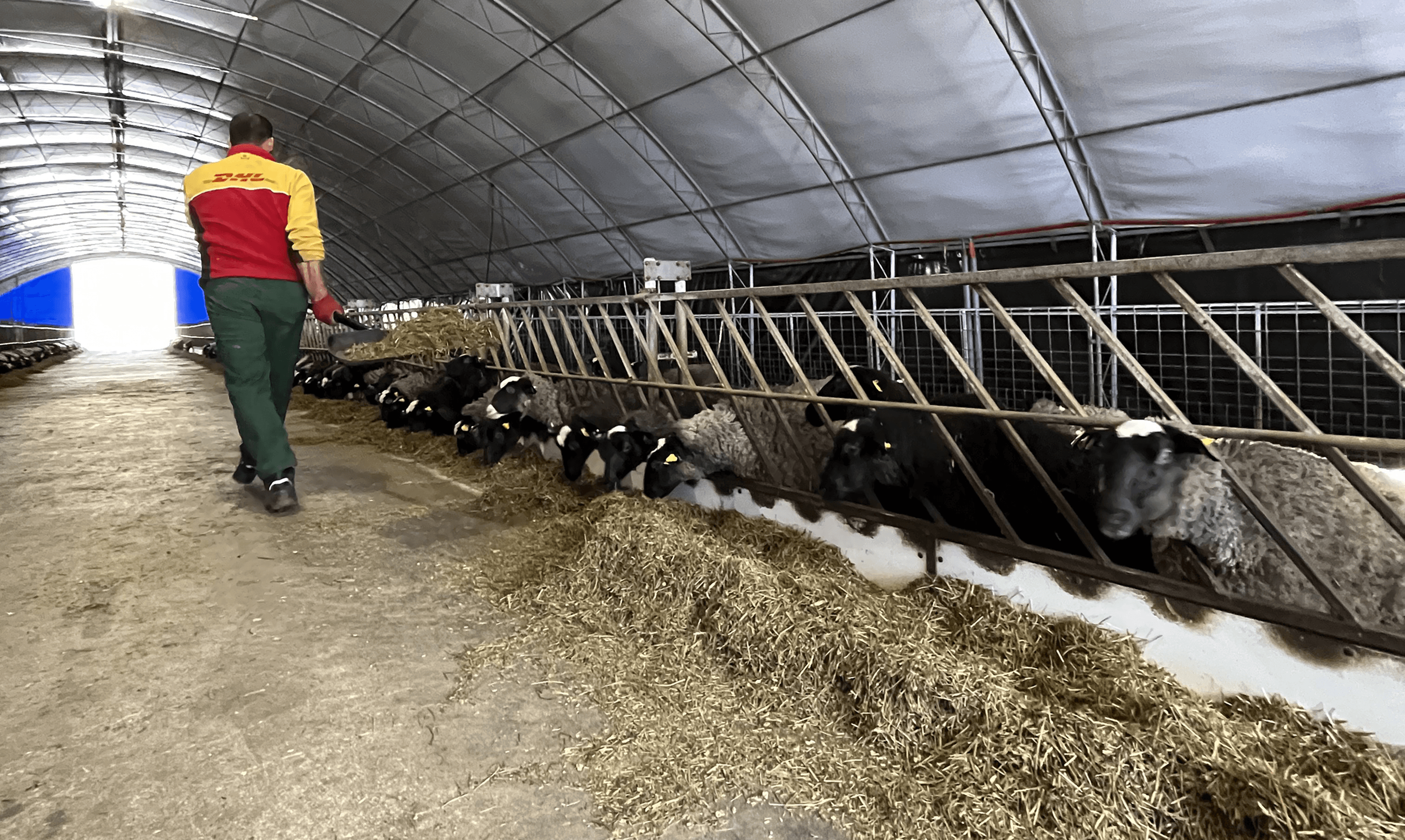
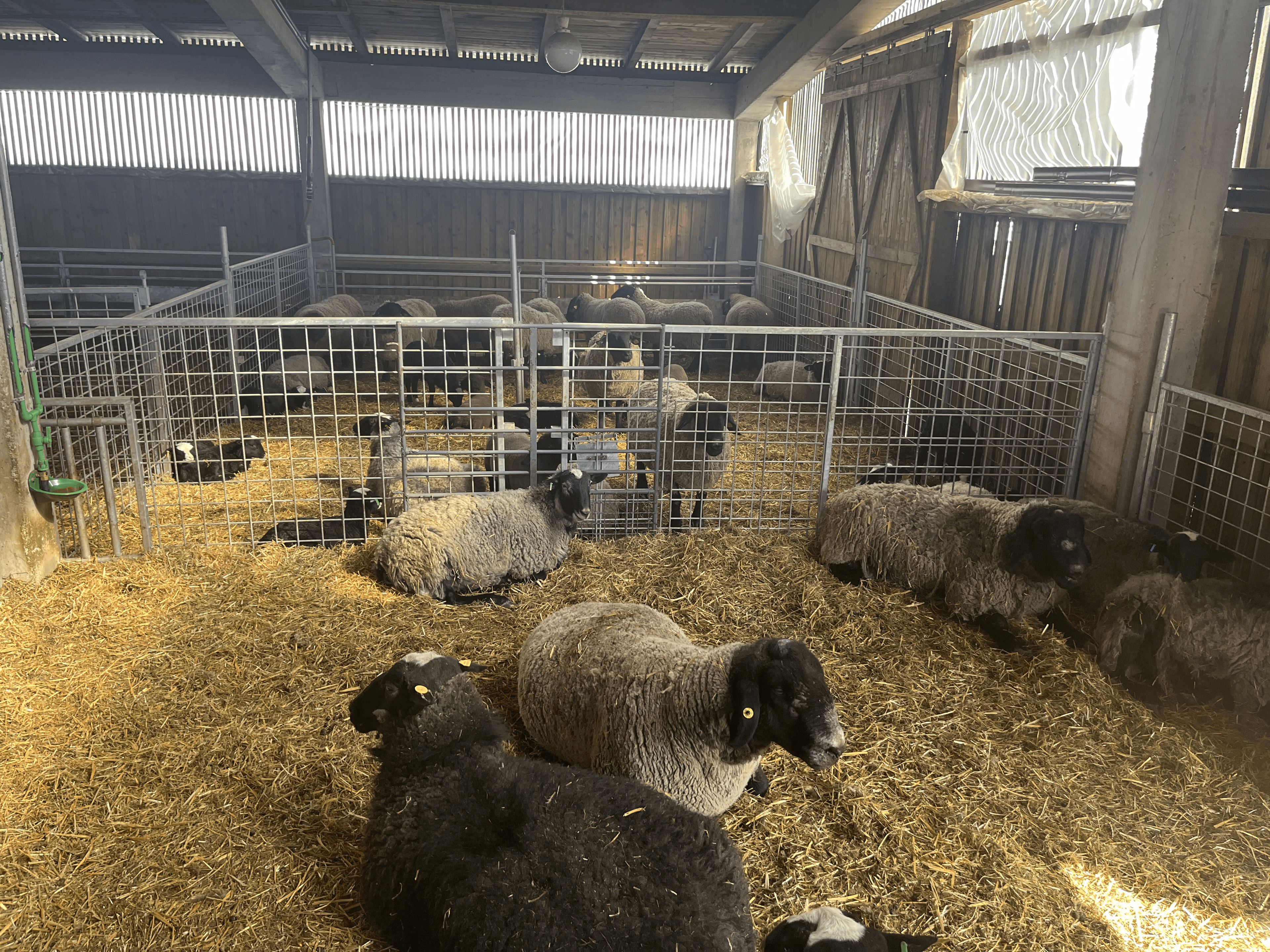
What I found was a team that had never used digital management tools. Some had not used smartphones for work at all. The way they thought about their tasks was completely spatial: a physical farm with pens, paths, and animals they knew individually by location.
My first prototypes were too abstract. Screens organised by data type (animals, tasks, health records) made perfect sense to me, and zero sense to them. They did not think "I need to check the health record for sheep #347". They thought "I need to check the ones in pen 3 that were acting strange last Tuesday."
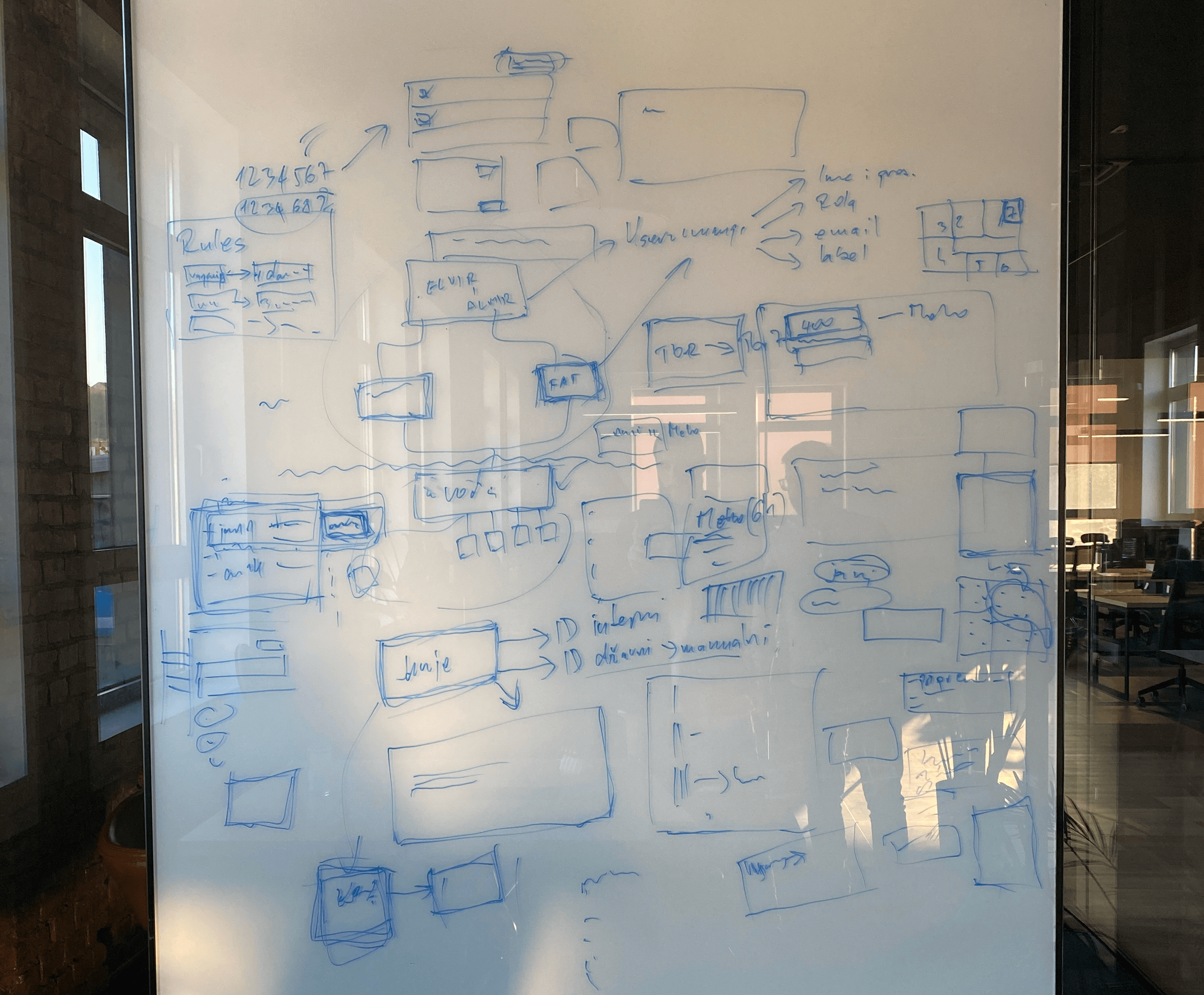
The information architecture had to map to how they actually moved through physical space, not how I would have organised a relational database.
What field research changes
Most UX projects I have worked on involve remote research: Zoom interviews, usability tests on Figma prototypes, surveys. These are useful. But for non-technical users doing physical work, nothing replaces being in the environment.
Three things shifted when I was on-site:
1. Speed mattered more than comprehensiveness. A farmer checking in on an animal does not have time for a 3-step process. One tap, done. The threshold for "acceptable friction" is much lower when your hands are dirty and you have 40 more things to do.
2. Error recovery was more important than error prevention. My instinct was to add confirmation dialogs and validation. Their instinct was to just do the thing and fix it if wrong. Long confirmation flows broke their rhythm. A simple undo was infinitely more valuable.
3. The vocabulary in the UI needs to match their vocabulary exactly. I kept using "livestock" in early prototypes. They called them "sheep" or referred to specific pens. Sounds trivial. It was not. Vocabulary is the difference between software that feels like yours and software that feels like it was made for someone else.
The design decisions that came from this
The final design used pen-based navigation as the primary structure. You would select a pen, see the animals in it, and work from there. Global search existed for when you knew a specific ID, but the default flow matched how they actually moved through the farm.
Task completion was a single tap. No confirmation. The auto-scheduling handled generation; all the farmer had to do was mark it done.
The admin dashboard was designed separately from the farmer interface, serving different users with different contexts, even within the same system.
What I carry forward from projects like this
Non-technical users are a concrete reminder that you are not your user.
The most dangerous thing in UX is designing for the version of the user that looks like you: literate, fast, comfortable with software, uninterrupted. That is not most people doing most jobs.
Research that gets you out of the office, even for a day, is almost always worth the logistical effort. The things you do not know are usually the things that determine whether the product works.
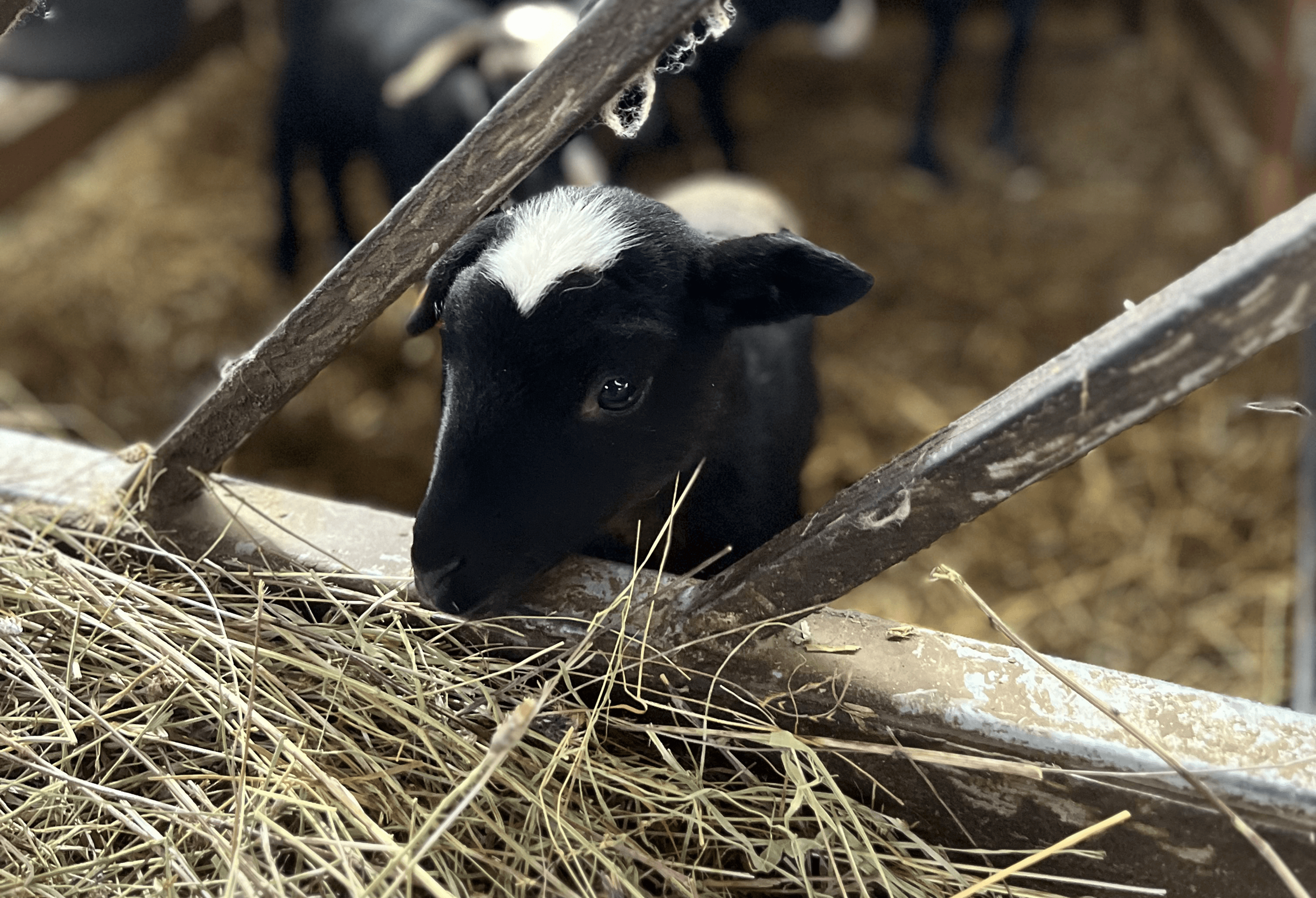
And images like this cute lamb: